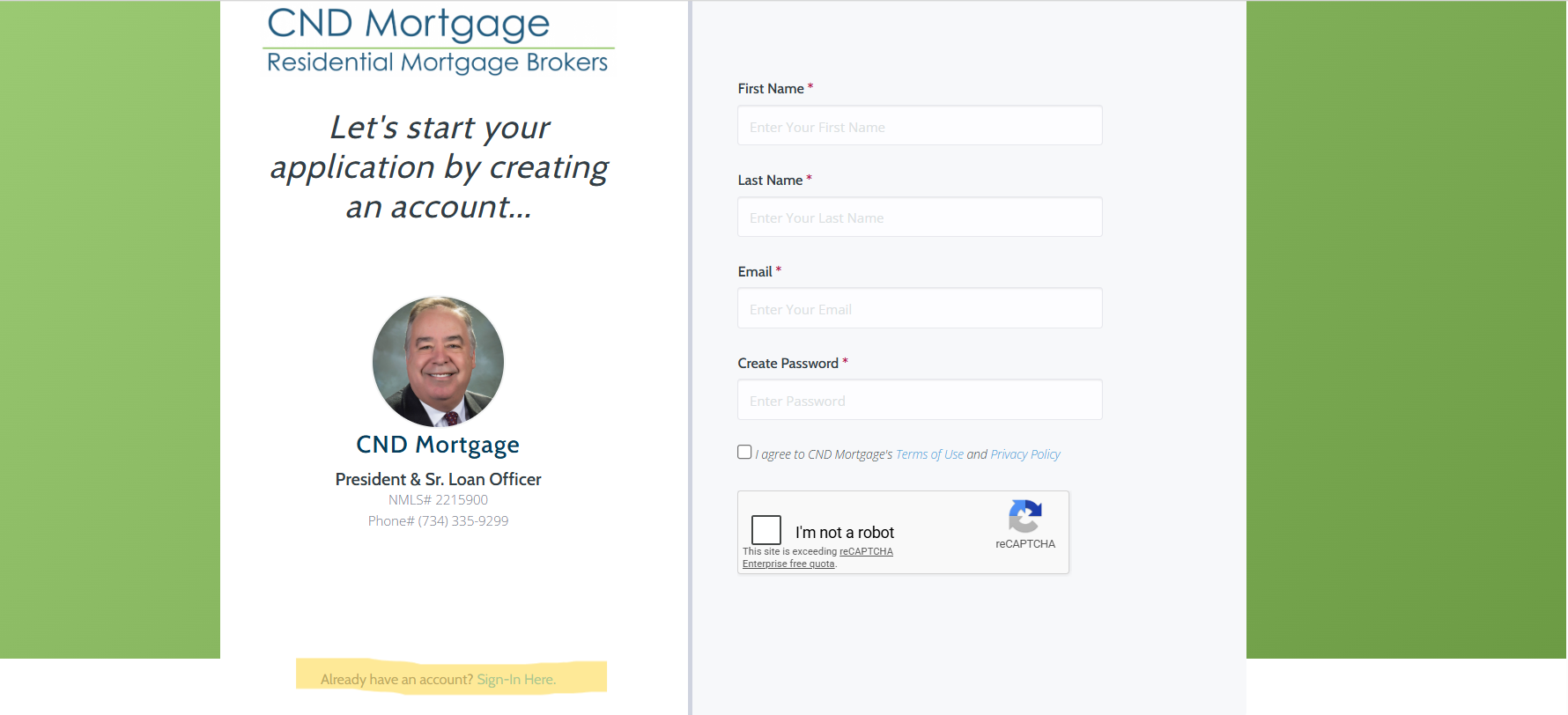
To upload documents into our secure portal, you must first create an account and password.
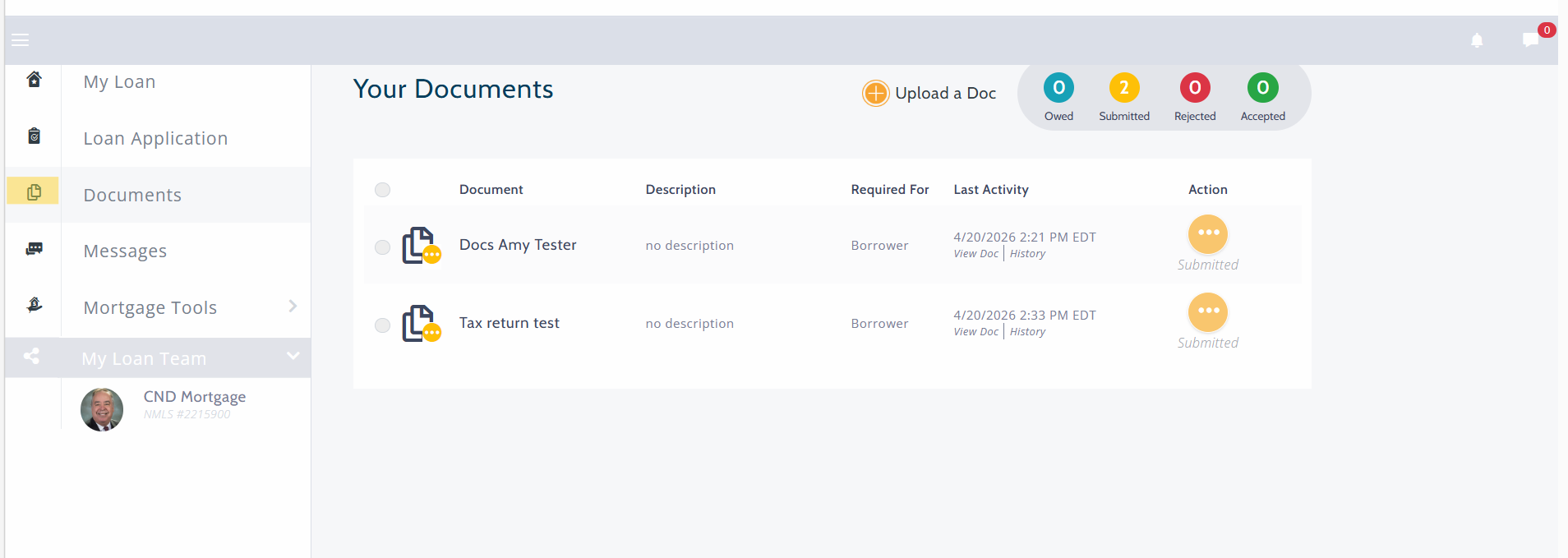
Once you have created an account, you will be directed to our secured dashboard.
On the left side on the screen, you will see the documents icon as pictured below. Please click the "Documents" icon and then select "Upload a Doc".
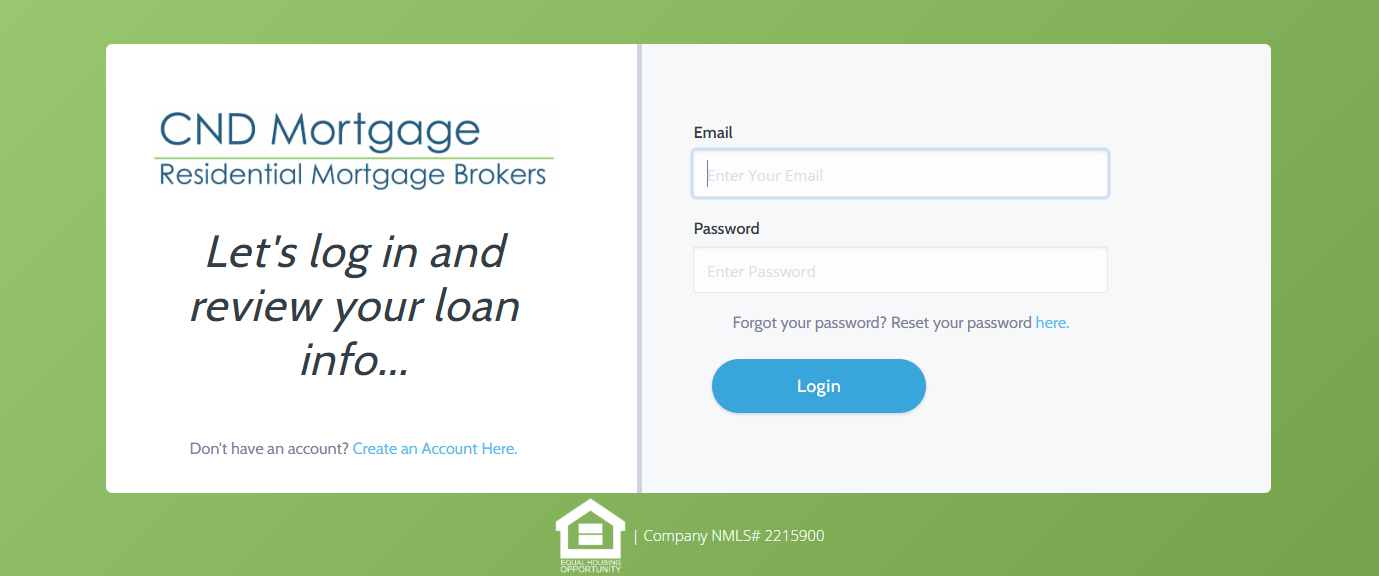
If you logout and want to upload/edit documents, please just use the sign in feature to access your secure dashboard (as pictured below).